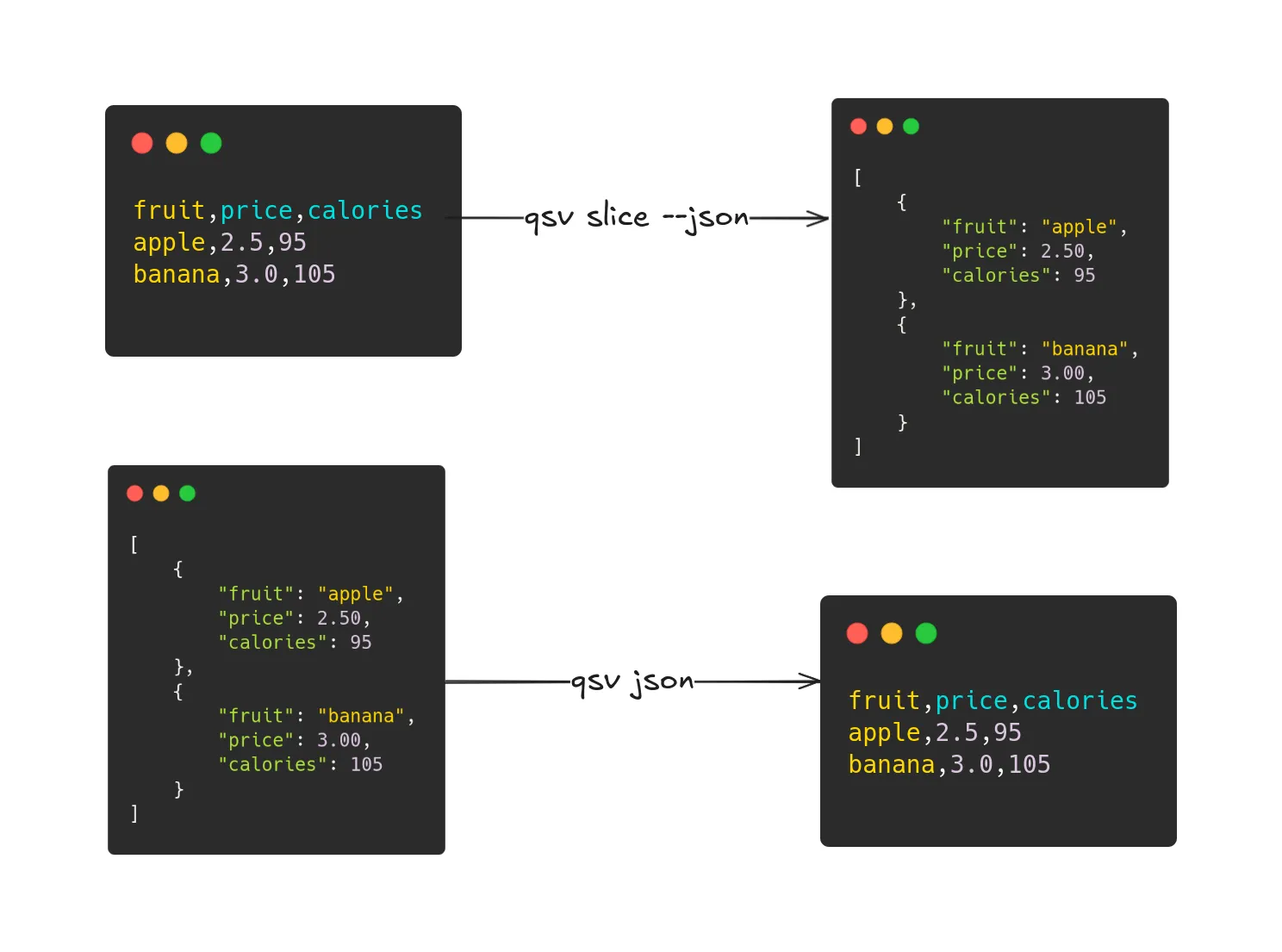
How to convert CSV to JSON (and vice versa) with qsv
Using the qsv command-line tool you may attempt to convert CSV to JSON and vice versa (though there are restrictions due to the file formats differing).
This post is based on qsv v3.2.0.
CSV to JSON
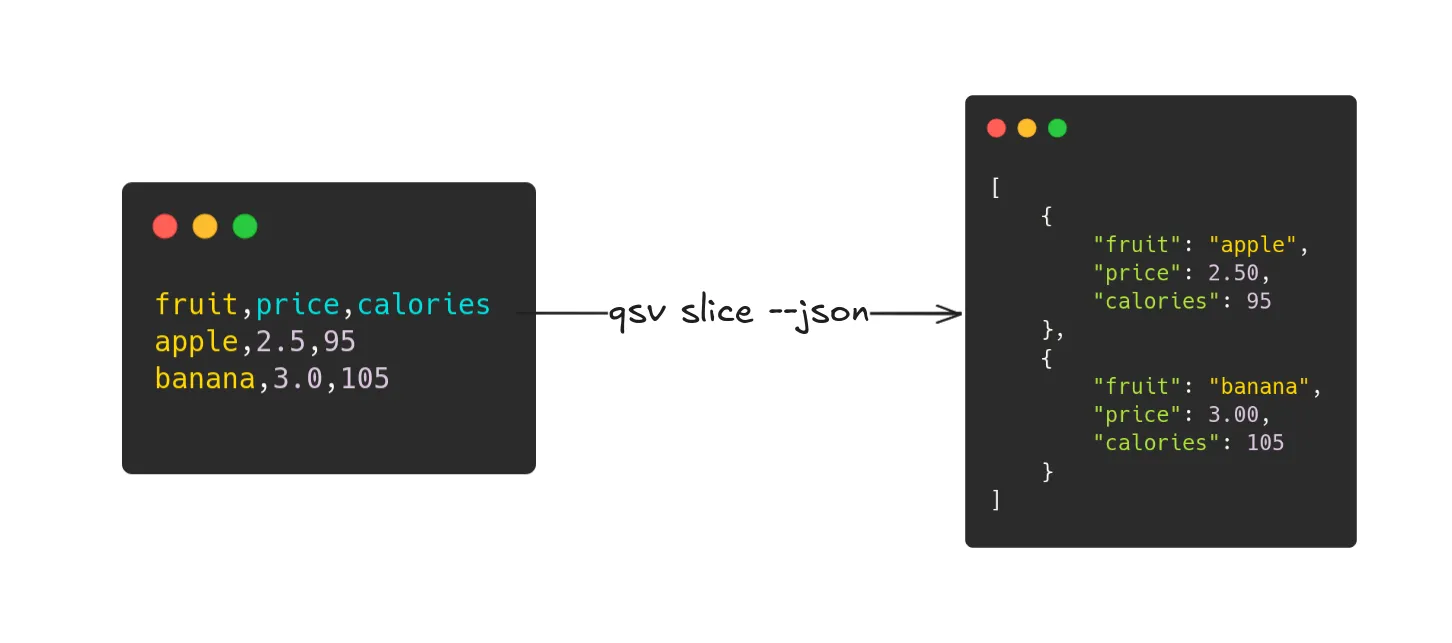
Return the CSV data from the CSV file at <path> as JSON (replace <path> with the path to your CSV file).
qsv slice <path> --json- To output to a file, add the
-o <output-path>flag and replace<output-path>with the output path. - Uses
qsv slice.
JSON to CSV
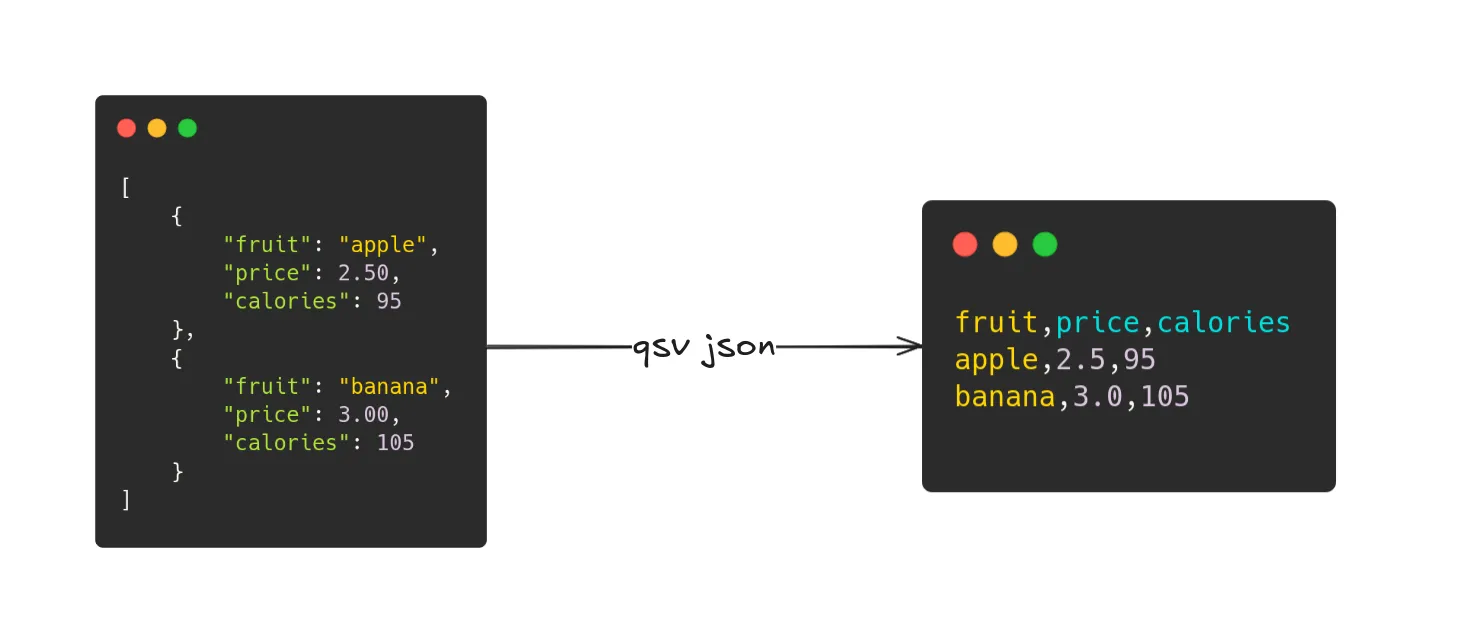
If you have a JSON file with data in the following format then you can use the subsequent command to attempt converting the JSON data to CSV format:
The JSON data is expected to be non-empty and non-nested as either:
- An array of objects where:
- 1A. All objects are non-empty, have non-empty and unique keys, and the same keys are in each object.
- 1B. Values are not objects or arrays.
- An object where values are not objects or arrays and the object is as described above.
Objects with duplicate keys are not recommended as only one key and its values may be used.
qsv json <path>- Trailing zeroes in decimal numbers after the decimal are truncated (2.50 becomes 2.5).
- Uses
qsv json.
If you want to select/reorder/drop columns in the output CSV, use the —select option, for example:
qsv json fruits.json --select price,fruitIf your JSON data is not in the expected format and/or is nested or complex, try using the —jaq option to pass a jq-like filter before parsing with the above constraints. The --jaq flag uses jaq.
qsv json <path> --jaq <filter>There is also an alternative method to convert CSV to JSON using qsv sqlp however the output may differ from what is expected:
qsv sqlp <path> 'SELECT * FROM _t_1' --format json- Use the
--float-precision <arg>option to specify the number of digits of precision to use when writing floats.